Purpose
The purpose of this report description is to explain how to generate the Employee History Lookup Report.
Report Description
This report provides basic employment information and a hyperlink to the BP002: Employee History report. Data returned is based on Last4 SSN and Last Name provided for prompt during report execution.
Report Location
Cross Agency Verification
Report Uses
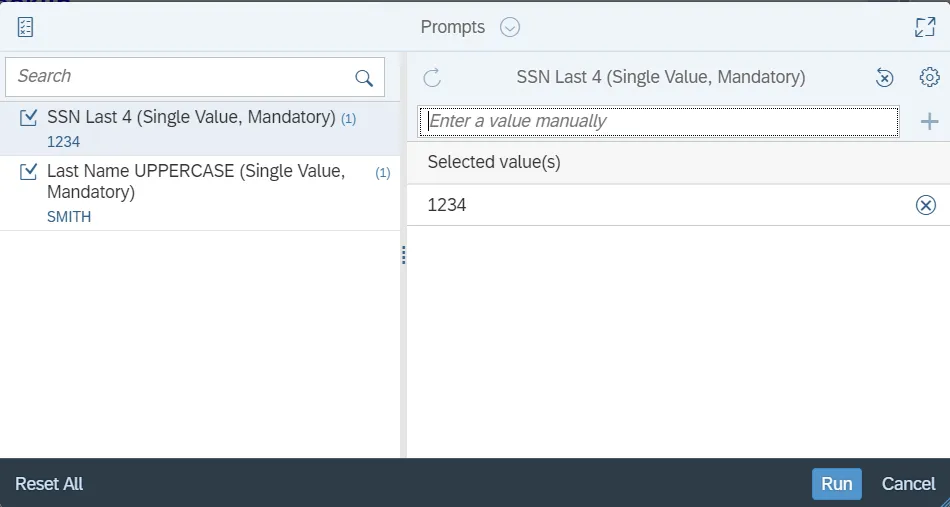
This report has 2 mandatory prompts.
- SSN Last 4: Type in the last 4 digits of the employee’s Social Security Number.
- Last Name: Type in a value (all UPPERCASE) or do a search and select from a list.
How to Generate This Report
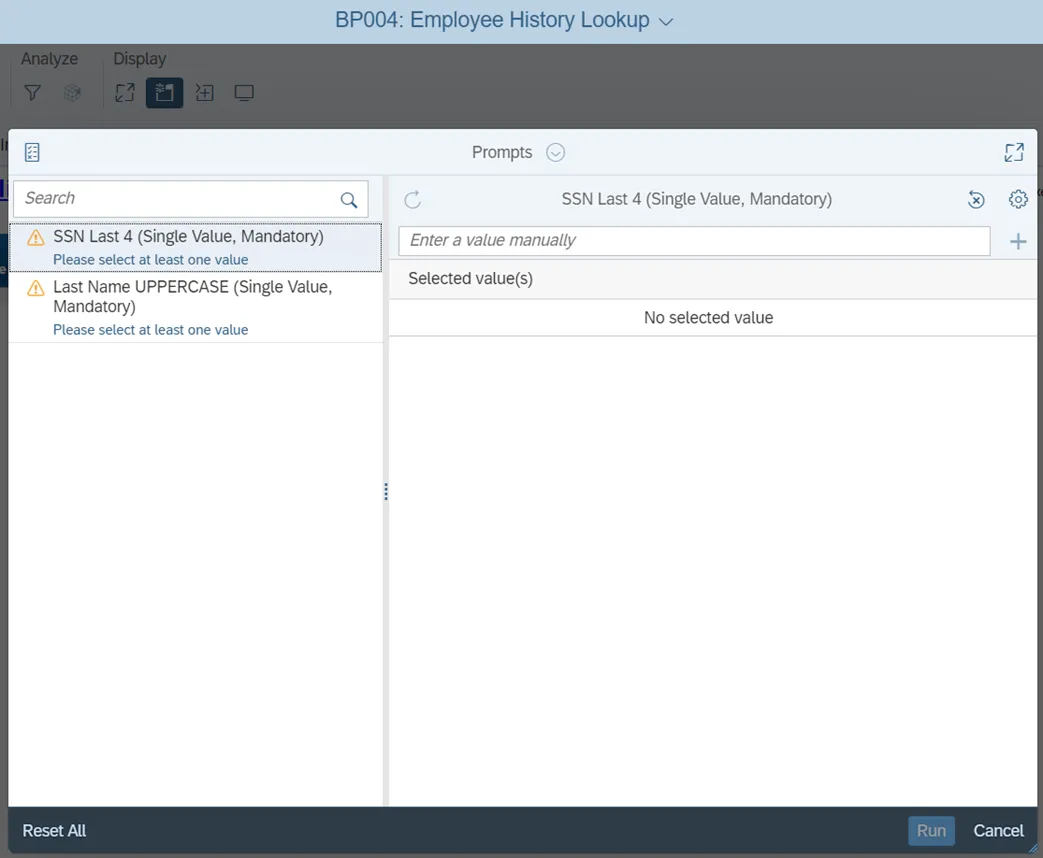
This report is generated after selecting values for the mandatory prompts. All mandatory prompts must have values selected before the Run Icon can be used to generate the report. Mandatory prompts can be identified as mandatory by the exclamation mark inside of the yellow-orange triangle, the square with the checkmark, or the display of (Mandatory). Detailed instructions for interaction with each prompt can be found on the Web Intelligence Prompt List on the OSC website.
The Mandatory prompts for this report are:
- SSN Last 4 (Single Value, Mandatory)
- Last Name UPPERCASE (Single Value, Mandatory)
Initial Layout
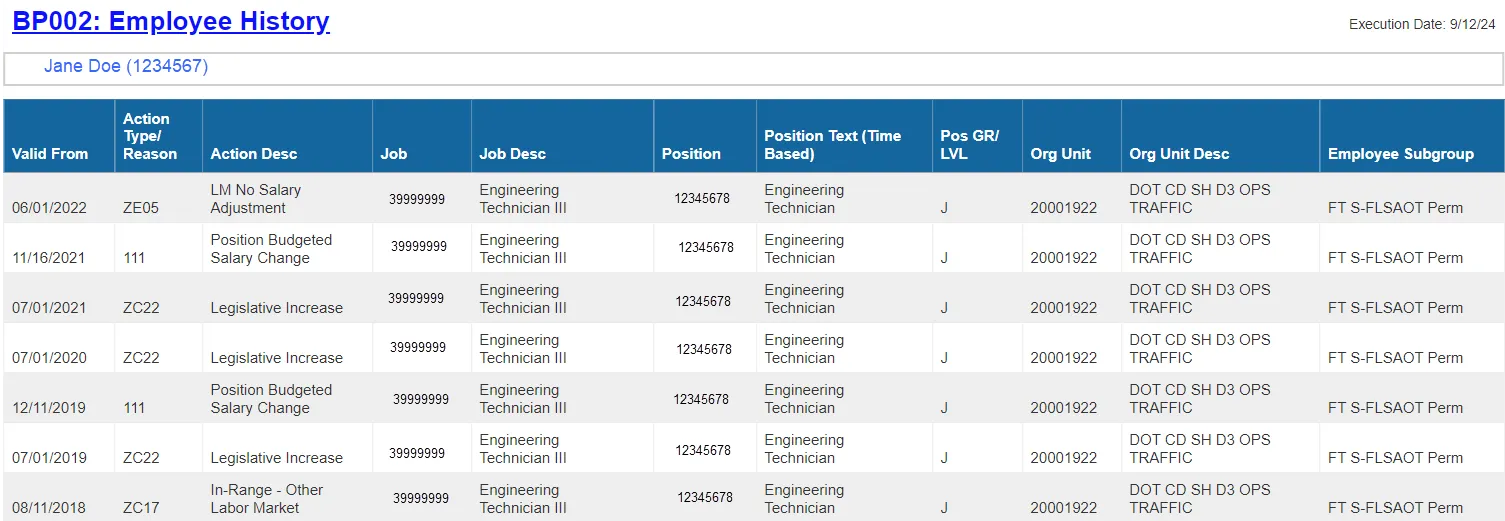
The BP004 report renders some basic employment information along with the employee number which acts as a hyperlink to launch the BP002: Employee History report.

- Click on the employee PersNo. Hyperlink to launch BP002 report.
Available Objects
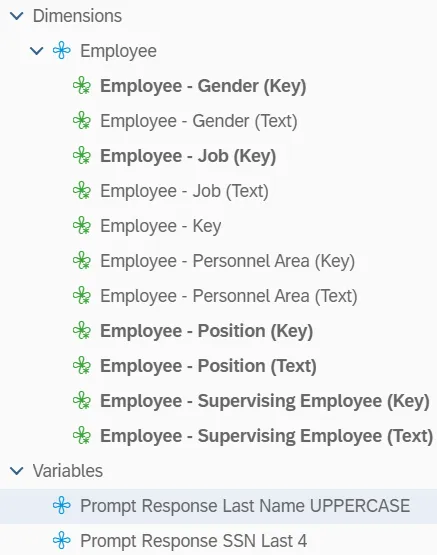
This is a list of the available objects that can be added to the report, from the Document Dictionary once in the Design mode:
Dimensions
- Employee – Gender (Key)
- Employee – Gender (Text)
- Employee – Job (Key)
- Employee – Job (Text)
- Employee – Key
- Employee – Personnel Area (Key)
- Employee – Personnel Area (Text)
- Employee – Position (Key)
- Employee – Position (Text)
- Employee – Supervising Employee (Key)
- Employee – Supervising Employee (Text)
Variables
- Prompt Response Last Name UPPERCASE
- Prompt Response SSN Last 4
Special Report Considerations/Features
- When a Last Name entered does not exist in the system, No data will display.
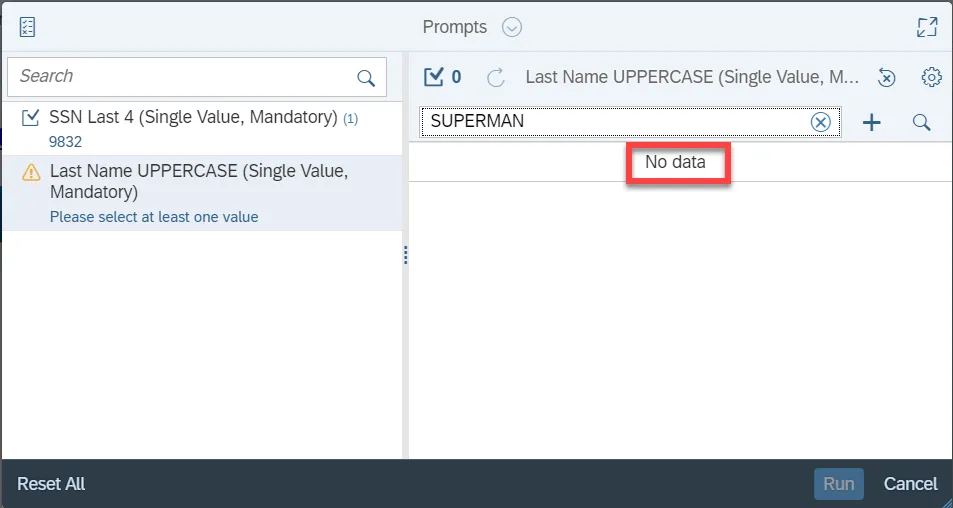
- When the Last 4 SSN and the Last Name exist individually in the system BUT the combination together does not exist, the following message will be displayed
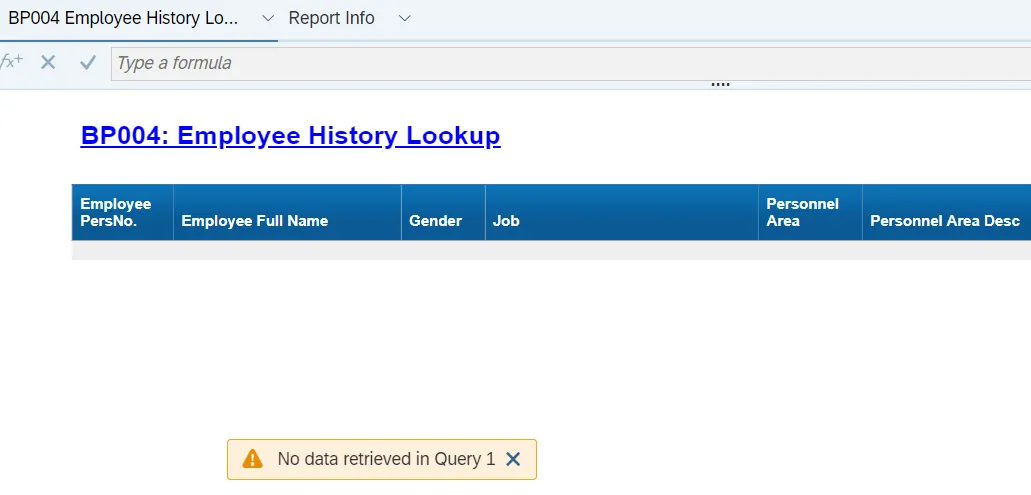
- Based on the example above, Last 4 SSN of 1234 exists in the system and Last Name of SMITH exists in the system. However, the combination of 1234/SMITH does not exist.