To access WebGUI, simply log into the Integrated HR-Payroll System (using VPN if you are remote) and follow the instructions below.
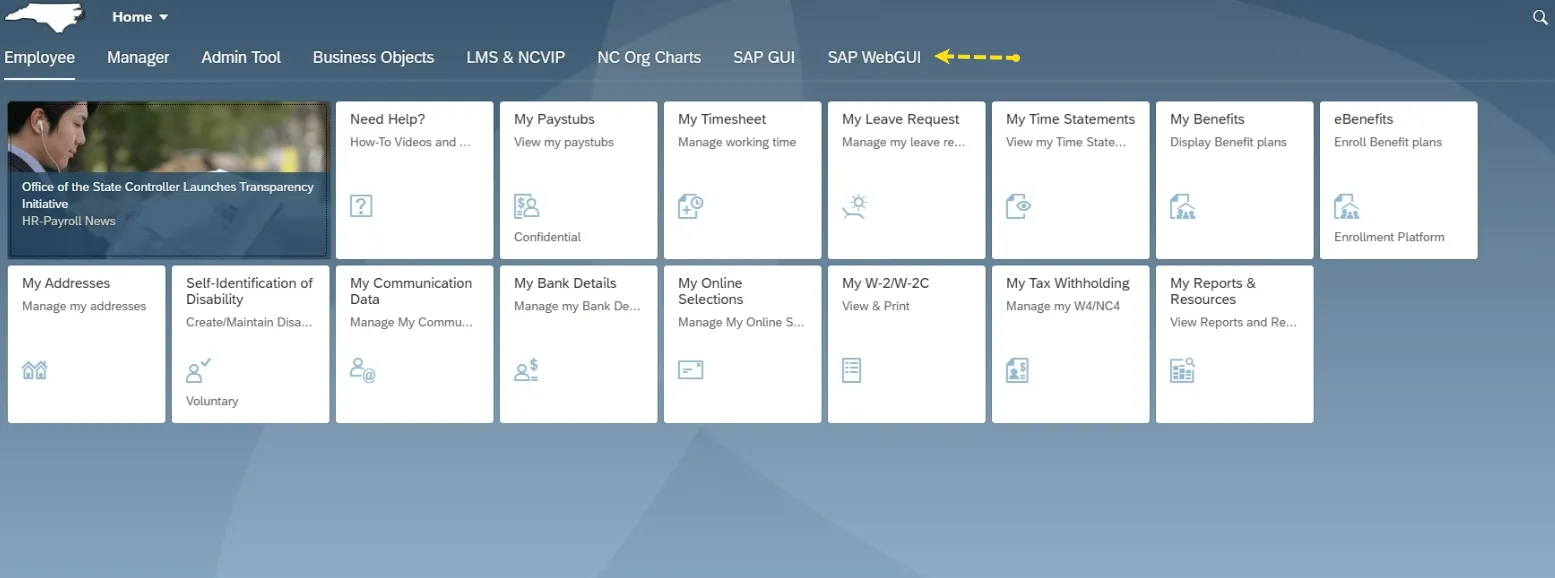
Step 1. Locate and click on the SAP WebGUI tab.
Image
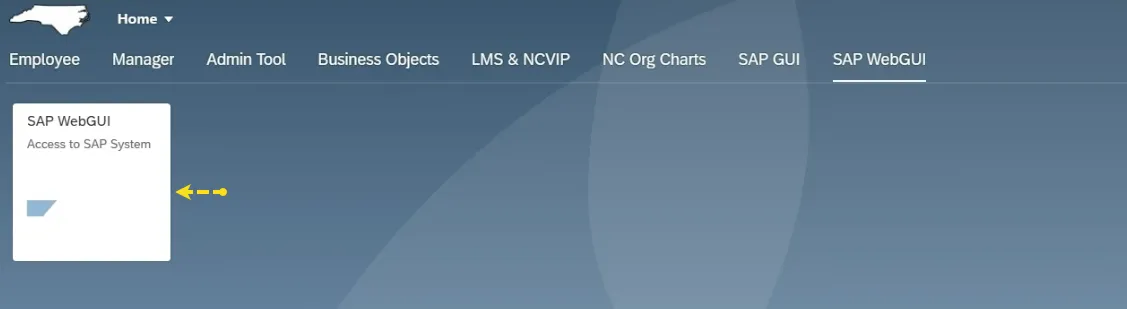
Step 2. Locate and click on the SAP WebGUI tile.
Image
Step 3. Locate and click on the E1P 100 tile. This will launch SAP WebGUI.
While WebGUI looks a little different, it provides the same functionality for agencies while providing enhanced system security.