Purpose
The purpose of this Quick Reference Guide (QRG) is to provide a step-by-step guide of how to execute the Cost Types process in the North Carolina Financial System (NCFS).
Introduction and Overview
This QRG covers the process of Costing Types. This process provides information on how to Navigate NCFS inventory and cost management to locate and review cost information, including cost components such as materials, labor, and overhead.
Item Costing
There are 3 steps to complete this process.
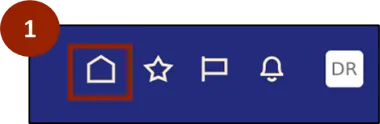
Step 1. Begin from the Home page, or click the Home icon.
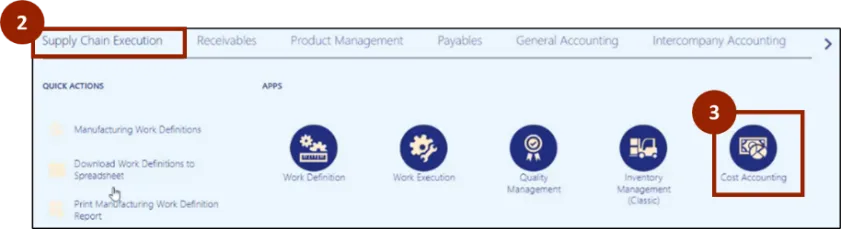
Step 2. On the Home page, select Supply Chain Execution.
Step 3. Select Cost Accounting.
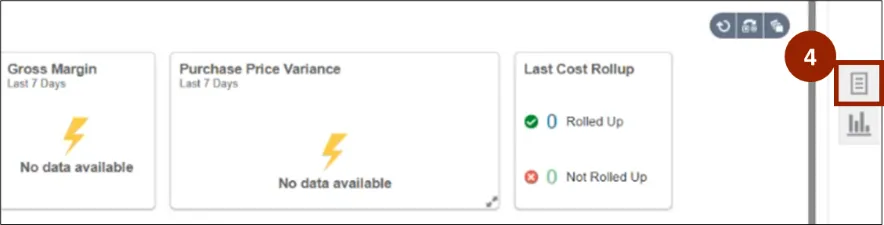
Step 4. On the Cost Accounting Page, navigate to the Task icon.
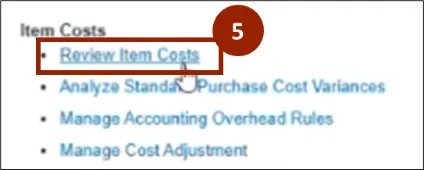
Step 5. Within the Tasks tab, select Review Item Costs.
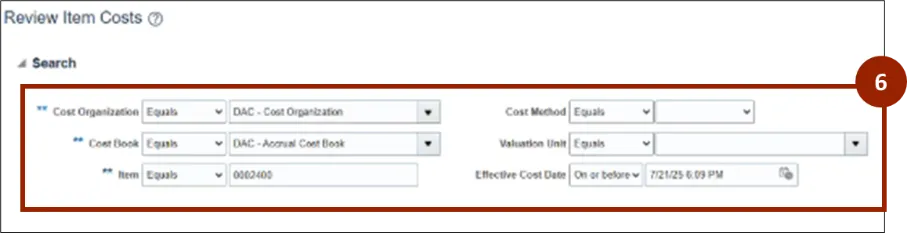
Step 6. Within the Review Item Costs Screen, select the appropriate option from the parameters:
- Cost Organization
- Cost Book
- Item
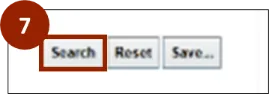
Step 7. Select Search.
Step 8. View Results.
Note: The two rows represent the Manufacturing Plant Code (first row) and the Warehouse (second row).
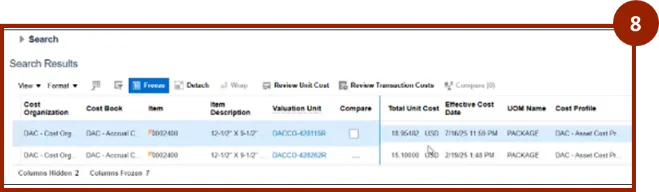
Note: Depending on your search criteria, more than two rows may display. Each row represents a unique cost record tied to a specific plant, warehouse, or cost book. Identify the row that matches your Manufacturing Plant Code and Warehouse combination before proceeding to the next step.
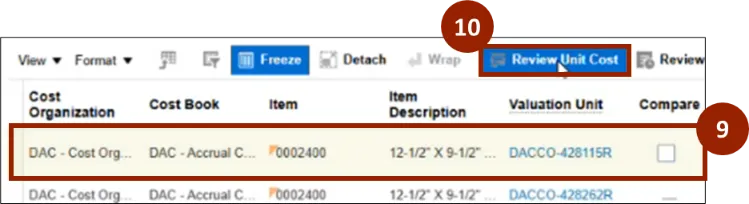
Step 9. Click in one of the rows.
Step 10. Select Review Unit Cost.
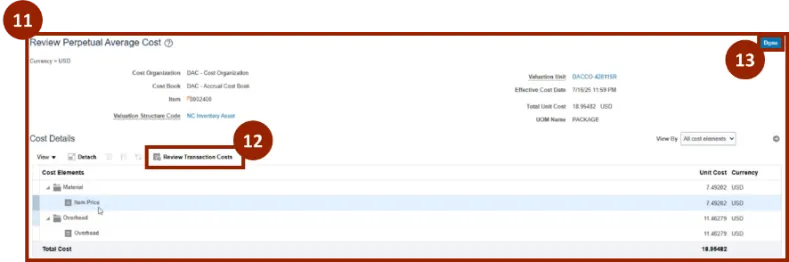
Step 11. In the Cost Details section, review the item cost by Cost Elements.
Step 12. Select Review Transaction Costs.
Step 13. Click Done to close.
Wrap-Up
NCFS users can reference the Cost Types using the steps above.
Additional Resources
- Virtual Instructor Led Training (vILT)