Purpose
The purpose of this Business Process Procedure is to explain how to view a list of Infotype 2013 – Quota Correction Records in the Integrated HR-Payroll System.
Trigger
There is a need to view a list of Infotype 2013 – Quota Correction Records for employees.
Business Process Procedures
The ZPT2013 Report (available to Leave Administrators) provides a list of Infotype 2013 – Quota Correction Records and also provides a more convenient way to view the records than using transaction code PA61 or PA20. Quota correction records are used to adjust quota balances when appropriate and were used to load conversion balances.
Procedures
To view 2013 Quota Corrections for a list of employees, use transaction ZPT2013.
There are 7 steps in this process.
Step 1. In the Period section, enter the desired dates. The dates are used by the report to select the employees who are valid at that time.
Step 2. In the Employee Selection section, click the Multiple selection button beside Personnel Number field.
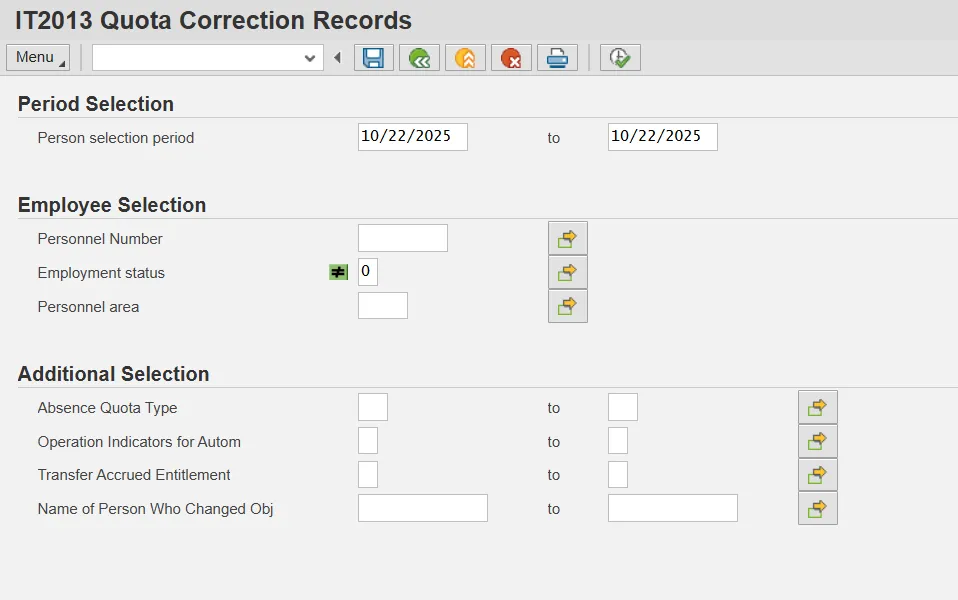
Step 3. Click the Upload from clipboard button (assuming you have a list of Personnel Numbers already copied into your clipboard from a spreadsheet). You can also type in specific Personnel Numbers.
Step 4. Click the Copy button.
Tip: This report will run fastest if Personnel Numbers are entered in the selection criteria.
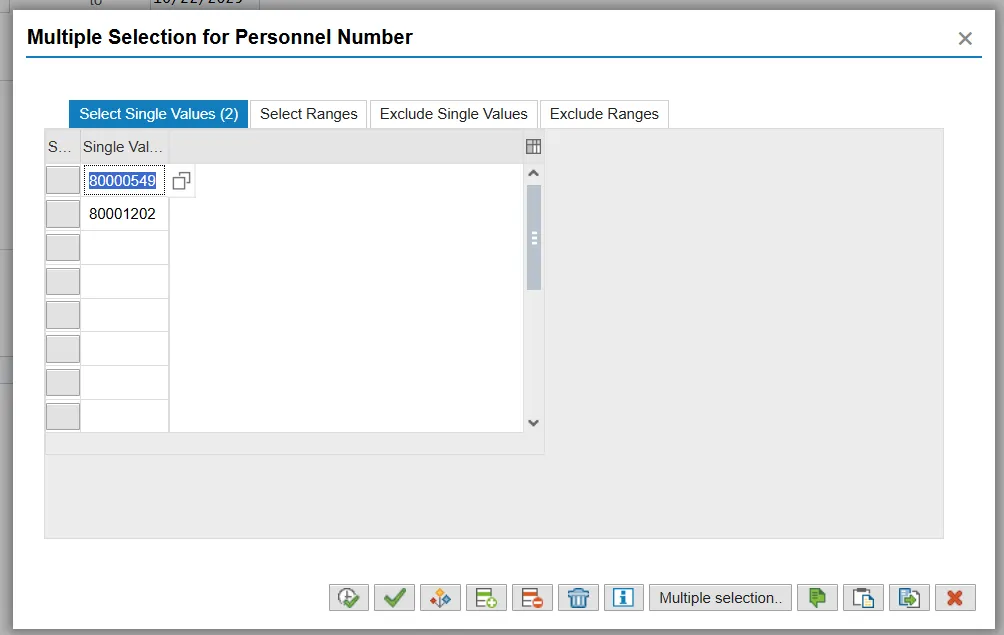
Step 5. In the Additional Selection section, you can enter values in the fields to further restrict your search for records.
Tips:
- More specific results can be obtained by entering a quota type in the Absence Quota Type field in the Additional data section. This will return just the records for that specific quota type.
- More specific results can be obtained by entering the Leave Admin’s Personnel Number (include leading zeroes) in the Name of Person Who Changed Obj field. This will return just the 2013s created by that Leave Admin but may take several minutes to run.
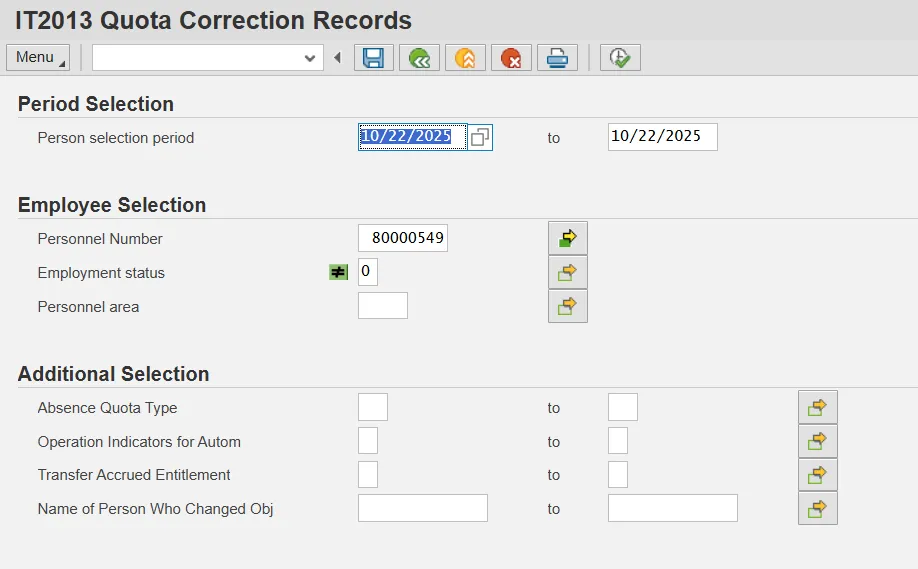
Step 6. Click the Execute button.
Step 7. View the results.
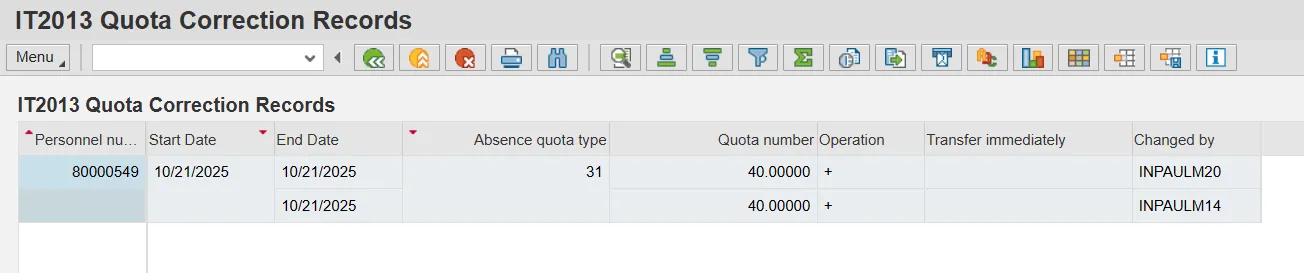
Columns in the results:
- The Personnel Number identifies the employee.
- The Start Date and End Date should always be the same. They represent the effective date of the quota correction.
- The Absence Quota Type indicates which quota was affected by the quota correction.
- The Quota Number is the number of hours of the correction that was applied.
- The Operation indicates whether the correction was an increase (+) or a reduction (-). The replace (=) operation indicator should never be seen on a record. If it is seen, the record should be reviewed and changed appropriately.
- The Transfer Immediately indicator should always be the value “Y.” If another value is seen, the record should be reviewed and changed appropriately.
- The Changed By value indicates the personnel number of the leave admin who created or last changed the record.
Tips:
- The results can be sorted, filtered, exported to a spreadsheet, etc., as with any ALV grid report.
- Once you have results, you can further narrow them down to see just records dated in a specific time period by right-clicking on the Start Date column, selecting Set Filter..., and entering the date range for which you want to see records. Click the green check to apply the filter.